How do I verify my email address?
This article provides the steps needed to verify your email address and gain full access to Backstage
Verifying your email address
Access to certain areas of Backstage, such as downloads and support, are restricted unless the email address associated with your account has been verified. Verification allows us to be sure that the email address actually belongs to you. Follow the steps below to complete verification:
-
Navigate to your Backstage profile.
-
Click “Send me a verification token”.
-
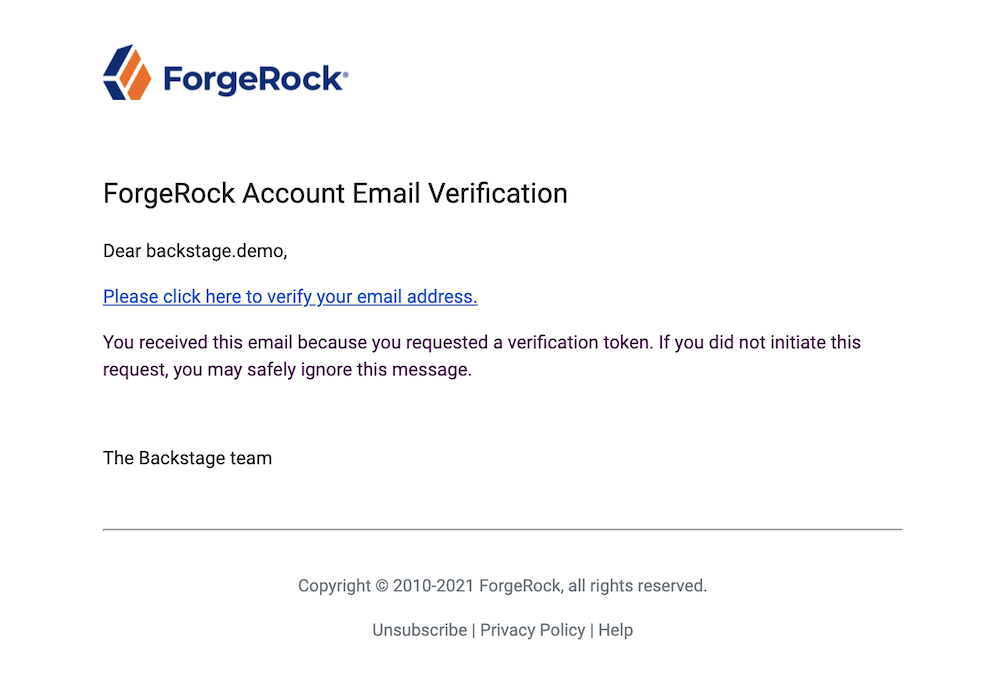
An email containing a verification token will be sent to the email address you are trying to verify. If you can’t find the email in your inbox, please check your spam folder.
Some organisations have very strict filtering in place. If you do not receive an email and you have checked your spam folder, please send a message to backstagehelp@forgerock.com and we can investigate further. Continued sending of verifications is unlikely to help and may increase the chance of these emails being blocked.
-
Click the link in the email, and you will be directed to a Backstage page.
-
If the verification was successful you’ll see “Your email address has been verified!”.
NOTE:
Verification tokens expire after 24 hours. If your token has expired, please request a new one using the steps above.