ForgeRock Issue Tracker
The purpose of this article is to provide information on viewing and tracking issues and requests in Backstage. Issue tracking was previously available via JIRA.
Overview
Legacy ForgeRock customers can access issues from the Issues tab on the search page on Backstage, and watch issues for changes.
Issue Tracking
-
Navigate to the Issues tab on the search page on Backstage.
The Issues tab displays all the public-facing issues, with their status and priority. You can further filter the results by entering a search query in the search bar or by using the filters on the left. For example:

-
Click the result of the issue you are interested in to view further details about the issue. For example:
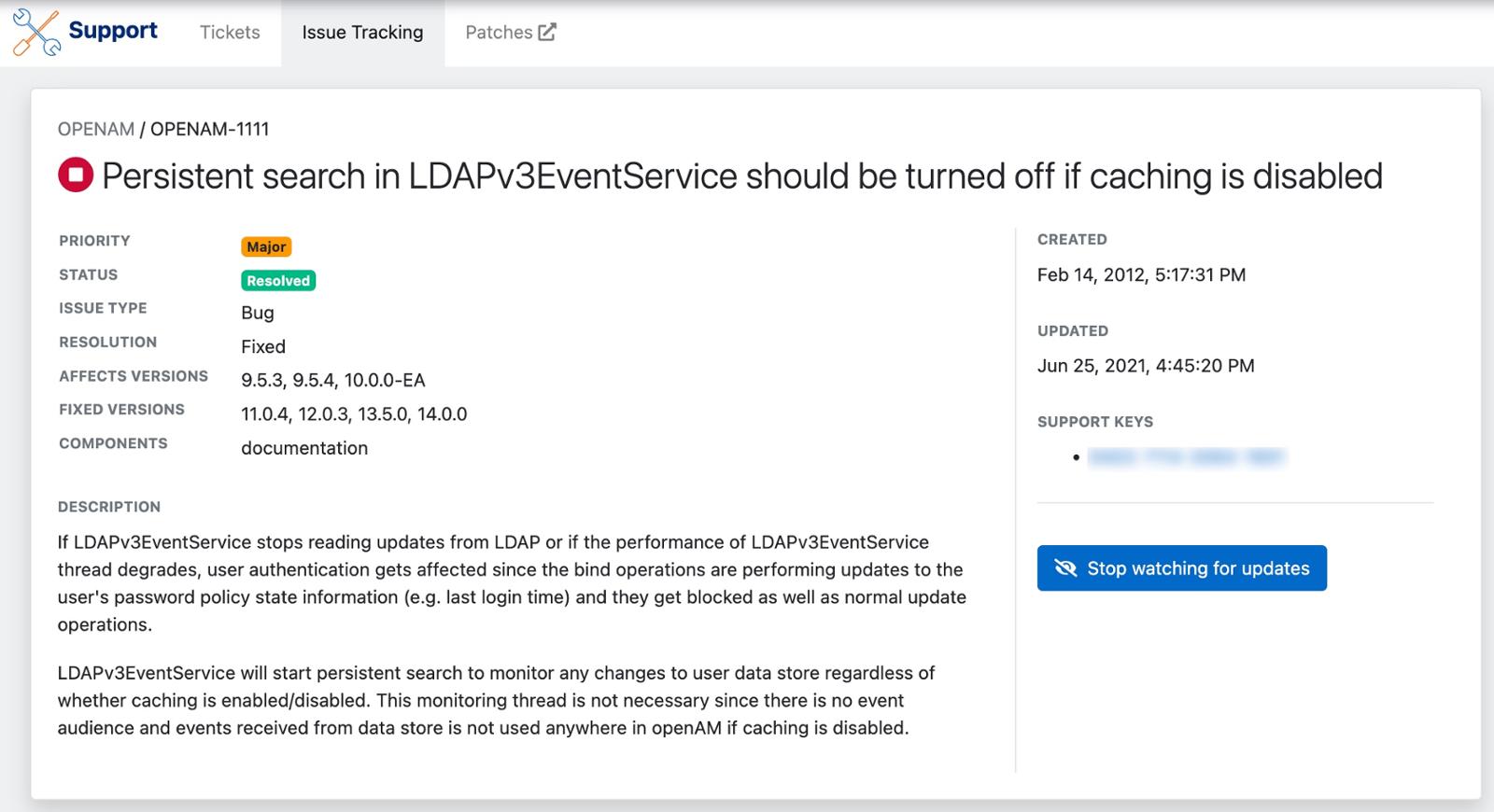
You can start or stop watching an issue by clicking Watch for updates or Stop watching for updates respectively.